Windows 11: The Threat Looming Over Photo Booths…
For years, photo booths on the market have been designed with a simple goal in mind:
to use the cheapest possible computer—often a small, entry-level processor—in order to maximize profit margins.
Problem: What used to be a “reasonable” choice is now becoming a major risk.
The transition from Windows 10 to Windows 11 is acting as a wake-up call—and for many, like a sword of Damocles hanging over their hardware.
This change, scheduled for October 2025, may seem technical… But it will have a major impact on the majority of photo booths still in operation.
1. Why Windows 11 is a turning point that few vendors anticipated
Windows 10 was relatively lenient:
it ran smoothly on slow processors (Celeron, Pentium),
accepted machines without any special physical security measures,
and remained stable even with only 4–8 GB of RAM.
That’s why 90% of the photo booths sold between 2015 and 2024 are equipped with very low-end computers.
❗ But Windows 11 is a game-changer
Here are the actual requirements (not marketing-driven, but practical) for reliable operation in a photo booth:
“Official” Windows 11 requirements:
At least an 8th-generation Intel processor (or equivalent)
TPM 2.0 support is required
4 GB of RAM (theoretical minimum)
64 GB of storage (theoretical minimum)
These figures seem reasonable…
But these are minimum requirements for office use, not for running a DSLR photo booth at a party for five hours.
➡️ Here are the “real” requirements for a modern DSLR photo booth:
Intel i5 or i7 (8th generation minimum — ideally 10th, 11th, or 12th generation for better performance)
16 GB of RAM (8 GB is not enough for continuous processing)
NVMe SSD, not just a regular SATA drive
Recent Intel UHD Graphics capable of handling:
the live view feed from the DSLR
animated templates
video encoding (for guestbook or Boomerang videos)
Native support for TPM 2.0 to ensure authenticity and updates
Drivers compatible with Windows 11 for:
your printer
your camera
your USB controller
your software (DSLR Booth, Darkroom, Breeze…)
👉 Many of the machines built into low-cost photo booths simply don't offer this level of performance.
2. The practical implications for landlords… and they’re not just theoretical
Once support for Windows 10 ends, you will be exposed to:
🛑 Severe traffic delays
Windows 11 uses approximately:
+30% RAM at idle
+20% CPU usage for system management
s offer 25% more graphics memory on entry-level machines.
But a photo booth can’t afford any lag:
—just a second of lag due to a Celeron processor = panic among the guests.
🛑 Software instability with DSLR Booth
Software is gradually becoming more resource-intensive:
more real-time effects
more activities
more video templates
4K support on certain Canon, Nikon, and Sony cameras
Even with a low-end processor, the photo booth can:
freeze on the shot
plant for export
display a black screen
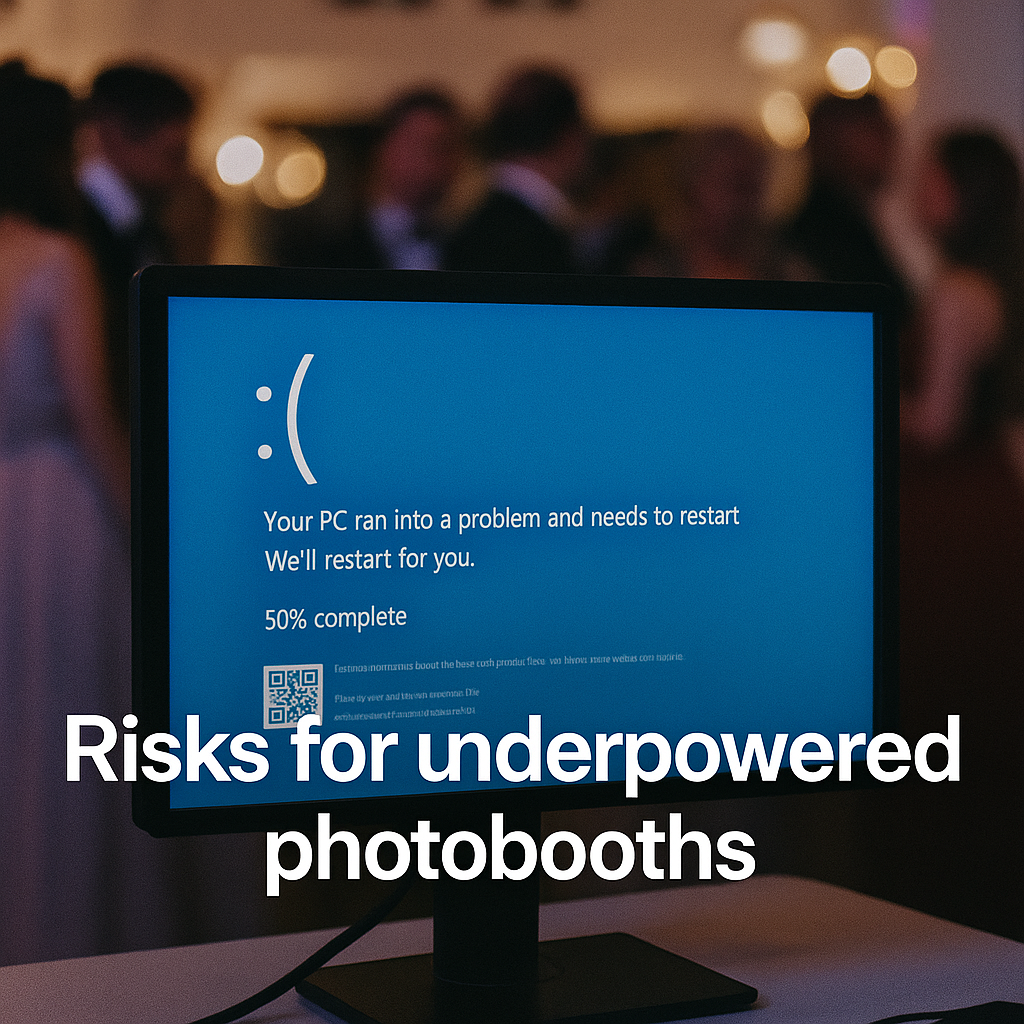
restart in the middle of the evening
🛑 Loss of printer compatibility
Some DNP, Citizen, and Hiti printers still use Windows 10 drivers.
Without security updates, you’re taking a risk:
a gradual incompatibility,
or worse: a crash during an event.
🛑 Loss of quality assurance
An unpatched PC = non-compliant hardware = a service provider at risk.
Many event insurance providers may refuse to cover claims in the event of a dispute.
3. The most dangerous trap: “hidden obsolescence”
There are still plenty of photo booths for sale today:
do not have TPM,
use processors that are too old (incompatible with Windows 11),
run on 4 GB of RAM,
or are using refurbished PCs to cut costs.
When Windows 10 is no longer supported, these machines:
→ will have trouble upgrading to Windows 11
→ will no longer receive updates
→ will become obsolete even though they are still “new”
And at that point, a logical question will arise for the buyer:
“Will I have to replace the photobooth’s PC when I’ve already paid for the machine?”
That is exactly the scenario Bizbooth wants to avoid for its clients.
4. How Bizbooth protected its photo booths from becoming obsolete from day one
Unlike most manufacturers, Bizbooth doesn’t aim to “sell the cheapest PC possible.”
We’ve taken the opposite approach: power and durability.
Every Bizbooth photo booth is equipped with a high-end computer:
Minimum processor requirement: high-end i5
16 GB of RAM
Ultra-fast SSD
Full, native support for Windows 11
TPM 2.0 enabled
Long-lasting compatible drivers
Controlled sleep mode (to prevent the DSLR Booth from freezing)
Optimizing the Canon R100 / R50 / Sony / Nikon Workflow
Tested for stability over 8 continuous hours
👉 It’s not just “Windows 11 compatible.” BIzbooth is built to last, even when Windows 12, 13, or 14 come along.
Why is there a difference?
Because Bizbooth is a professional photo booth for professionals.
There’s nothing worse than:
a photo booth that crashes during the party,
a photo that hasn't been saved,
or a computer that isn't powerful enough to run the software.
PC performance is a strategic factor, not just a technical detail.
And it directly impacts your revenue.
5. And that’s not all… an even more powerful new version is coming in 2026!
Bizbooth is currently working on a new generation of embedded computers:
New-generation Ryzen 7 CPU: even faster
Upgraded GPU
optimized video encoding
improved thermal management
faster processing speed in DSLR Booth
Virtually zero latency for Boomerangs and videos
We can't reveal all the details just yet, but we'll share more in the coming months…
We’re going to redefine the concept of a PRO photo booth—and we’re taking you along for the ride!
6. In summary
Windows 10 is reaching end of life → a real threat to consumer-grade photo booths.
Windows 11 requires serious processing power → most current computers don't have it.
Many of the photo booths currently on the market will become incompatible and unreliable.
Bizbooth anticipated this problem from day one.
All models are already optimized for Windows 11.
An even more powerful new generation is coming.
If you’re investing in a photo booth for 5 to 10 years, make sure it’s built to last.
The internal PC isn’t just a minor detail—it’s the heart of the machine.